Discord Speech Bubble Maker
Make custom speech bubble memes for Discord chats. Upload any image, add a transparent bubble, and export in perfect Discord size. Free online tool, no watermark, no sign-up.
Need to animate it? Try our speech bubble GIF maker, or open the full speech bubble meme generator for every format.
Pro tip: Transparent PNG bubbles look great on Discord dark mode!
Click to upload or drag files here
Supports JPG, PNG, GIF formats
File size should not exceed 5 MB
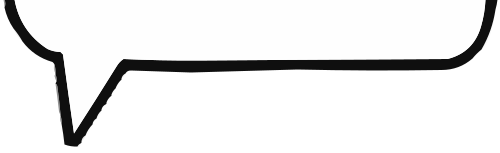
Left Tail
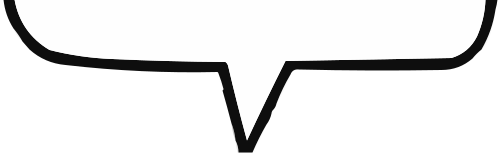
Center Tail
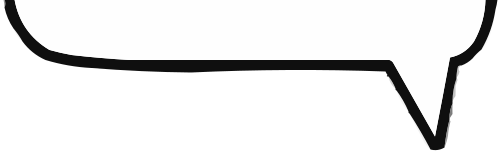
Right Tail
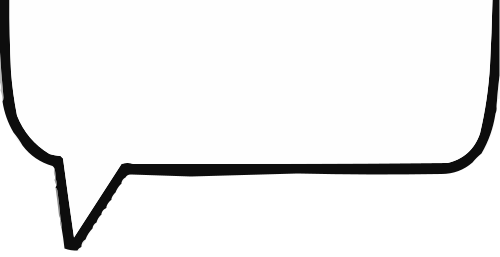
Big Left Tail
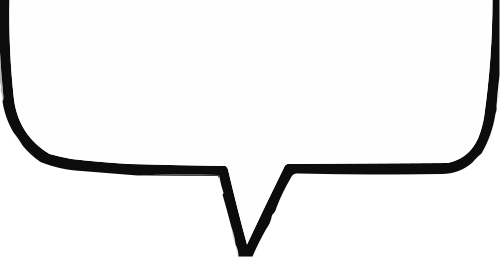
Big Center Tail
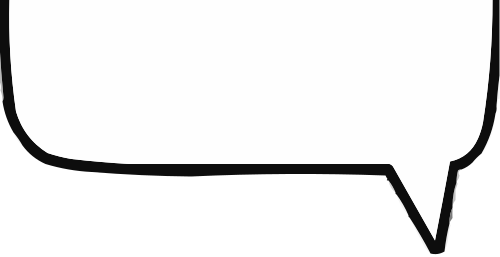
Big Right Tail
Upload images to start creating
How to Make a Discord Speech Bubble Meme
Creating a discord speech bubble meme takes less than a minute. Our discord speech bubble maker is built specifically for the way Discord communities share content - quick, expressive, and perfectly sized for chat.
Whether you're reacting to a friend's message, creating a custom emoji, or making a meme for your server, this discord speech bubble generator handles the technical details so you can focus on being funny.
- 1. Upload Your ImageDrag and drop any screenshot, photo, or reaction image. Our discord speech bubble maker accepts JPG, PNG, GIF, and WebP files up to 10MB.
- 2. Add & Style Your BubbleClick to add a speech bubble. Drag it into position, resize it, and choose from classic, rounded, or Discord-style bubble templates that match your community's vibe.
- 3. Type Your TextEnter your dialogue, pick a font that's readable on Discord's dark background, and adjust the size. White text with a black outline works best.
- 4. Export for DiscordDownload as a transparent PNG for dark mode or a GIF for animated reactions. Your discord speech bubble meme is ready to upload directly to any channel.
Why Discord Users Love This Tool
Most meme generators aren't optimized for Discord. Ours is. Here's what makes our discord speech bubble maker different:



Discord Speech Bubble Maker FAQ
Everything you need to know about creating discord speech bubble memes, from sizing to dark mode optimization.
What size should a Discord speech bubble meme be?
For Discord emojis, use 512x512 pixels. For channel posts, 1280x720 or 1080x1080 works best. Our discord speech bubble maker automatically optimizes for these dimensions when you export.
Can I use this discord speech bubble generator on mobile?
Yes! Our discord speech bubble maker is fully responsive. Create memes on your phone, tablet, or desktop - the interface adapts to any screen size.
How do I make my meme look good on Discord dark mode?
Export as a transparent PNG. This removes the white background so your speech bubble meme blends naturally into Discord's dark interface. Our tool makes this the default option.
Can I add speech bubbles to a GIF for Discord?
Absolutely. Upload any animated GIF, position your speech bubble, and export as a GIF. The animation is preserved. This is perfect for discord speech bubble gif maker content.
Is this discord speech bubble maker really free?
Yes, 100% free with no watermarks, no sign-up required, and no hidden fees. Create unlimited discord speech bubble memes whenever you want.
Ready to Make Your Discord Meme?
Join thousands of Discord users who create custom speech bubble memes every day. Free, fast, and no watermark.