Speech Bubble GIF Maker
Add speech bubbles to animated GIFs online for free. Upload any GIF, customize bubble style and text, then export as a high-quality animated GIF. No watermark, no sign-up.
Making content for Discord? Check our discord speech bubble maker. Need a static image instead? Grab a free speech bubble PNG download.
Pro tip: GIFs with clear, readable text get 3x more reactions!
Click to upload or drag files here
Supports JPG, PNG, GIF formats
File size should not exceed 5 MB
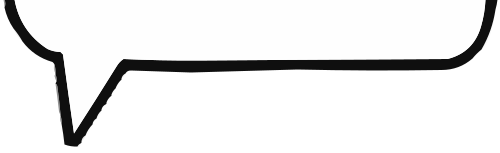
Left Tail
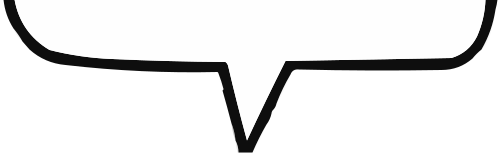
Center Tail
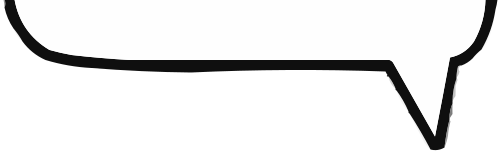
Right Tail
Big Left Tail
Big Center Tail
Big Right Tail
Upload images to start creating

How to Add a Speech Bubble to a GIF
Our speech bubble gif maker makes it easy to add dialogue to any animated GIF. Whether you're creating a reaction GIF for Twitter, a funny clip for Discord, or a meme for Reddit, the process is the same - and it takes less than a minute.
The best part? Your animation stays intact. Our gif speech bubble maker preserves every frame while adding your custom text on top.
- 1. Upload Your GIFDrag and drop any animated GIF file. Our speech bubble gif maker supports files up to 10MB. The editor will automatically detect the frame rate and dimensions.
- 2. Position Your Speech BubbleClick to add a speech bubble. Drag it to the perfect spot - usually near the character's head or where the action happens. Resize it so it doesn't cover important movement.
- 3. Add Your TextType your caption. For GIFs, shorter is better - viewers need to read it quickly before the next frame. Use a bold, readable font with good contrast.
- 4. Export as Animated GIFDownload your creation as a high-quality animated GIF. All frames are preserved, the animation loops perfectly, and your speech bubble appears in every frame exactly where you placed it.
Why Choose Our GIF Speech Bubble Maker?
Adding text to GIFs is harder than it looks. Most tools either break the animation, compress it terribly, or slap a watermark on your work. Our speech bubble meme gif maker is different:



Speech Bubble GIF Maker FAQ
Common questions about adding speech bubbles to GIFs, file size limits, and animation quality.
Will my GIF still animate after I add a speech bubble?
Yes! Our speech bubble gif maker preserves the full animation. Every frame is processed so your speech bubble appears consistently throughout the entire loop.
What's the maximum GIF file size I can upload?
You can upload GIFs up to 10MB. For best results, we recommend keeping your speech bubble meme gif maker output under 5MB for easy sharing on Discord, Twitter, and Reddit.
Can I add speech bubbles to a GIF from GIPHY or Tenor?
Absolutely. Download the GIF from GIPHY or Tenor first, then upload it to our gif speech bubble maker. You can also use our template library as a starting point.
How do I keep my GIF file size small?
Our speech bubble gif generator automatically optimizes output. To further reduce size, try shortening the GIF duration, reducing the resolution slightly, or limiting the color palette before uploading.
Is this speech bubble gif maker free with no watermark?
Yes, completely free. No watermarks, no account required, no limits on how many GIFs you can create. Your speech bubble meme gif maker creations are yours to keep and share.
Ready to Animate Your Memes?
Join thousands of creators making animated speech bubble memes every day. Free, fast, and no watermark.